
The password manager KeePass comes in English by default. If you’d rather use it in another language, for example German, you can add it with a separate translation file. All you have to do is download the language file for your language and your KeePass version from the KeePass “Translations” page. Most likely you have version 2 or newer. If you’re not sure, you can look it up in the menu under “Help” by clicking “About KeePass”. Continue reading How to Change the Language in KeePass (e.g. to German)
Author: Christopher Piontek
Technology fascinates me, and I've been writing about it on Bitpage.de since 2012. By day I'm a developer, and on the side I test software and tinker with old hardware. Here you'll find how-tos, hands-on reports and my take on things, sometimes at full nerd level, sometimes as a quick practical tip.
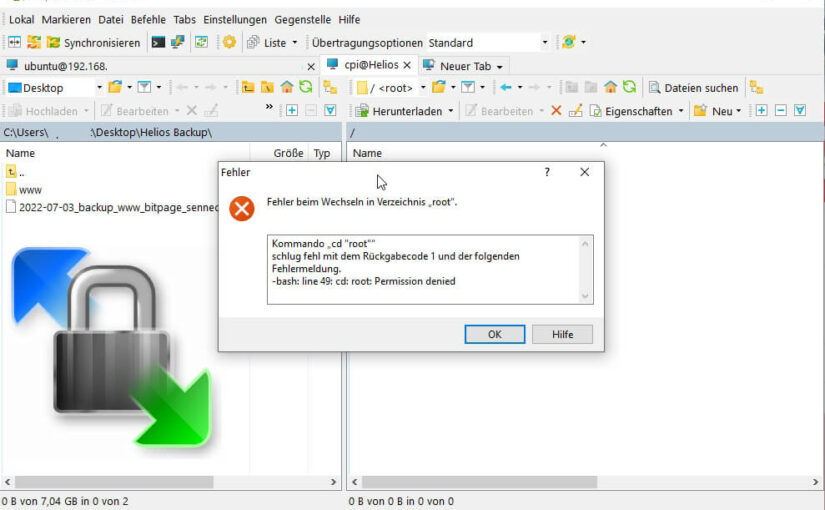
WinSCP: How to Work with Root Permissions
If you secure your Linux-based server and don’t allow the “root” user to log in directly, you have to change one connection setting in WinSCP. Otherwise you keep running into problems whenever your permissions aren’t sufficient. The prerequisite, of course, is that the user you connect with is allowed to use “sudo”.
Continue reading WinSCP: How to Work with Root Permissions
rsync: The Thing with the Trailing Slash
In the Unix and Linux universe, rsync is a really useful command line tool for copying or synchronizing directories on local or remote systems. While scp can also copy entire directories including their contents recursively, rsync has the big advantage that it can compare files by size and timestamp. That way, only what has changed gets copied, and with the –delete option, whatever no longer exists in the source directory gets deleted. So folders are synchronized, i.e. brought to the same state. The thing I keep tripping over: How did that work again with the trailing slash?
Continue reading rsync: The Thing with the Trailing Slash
Export and Import a MySQL Database from the Command Line
You can’t always export and import MySQL databases (or MariaDB databases, which started out as a fork of MySQL) through a pretty point-and-click interface like phpMyAdmin or Adminer. For small databases under 20 MB that may still work, but with something like 3 GB it gets difficult. Tools like MySQLDumper (in German) are getting really long in the tooth (most of them aren’t actively developed anymore), even though they still work. But there’s a simpler way, as long as you have access to the console, either via SSH or directly. Continue reading Export and Import a MySQL Database from the Command Line

Extend the Windows Server Evaluation Period
Microsoft lets you evaluate all kinds of products before using them in production. The Evaluation Center offers downloads for products like Windows Server 2016 or 2019. For the server operating systems, the folks in Redmond give you 180 days to test the version and see whether it meets your needs. There are no restrictions on features or anything like that. Something that was new to me as well: you can extend the trial period with a simple command in the Command Prompt or PowerShell.
Continue reading Extend the Windows Server Evaluation Period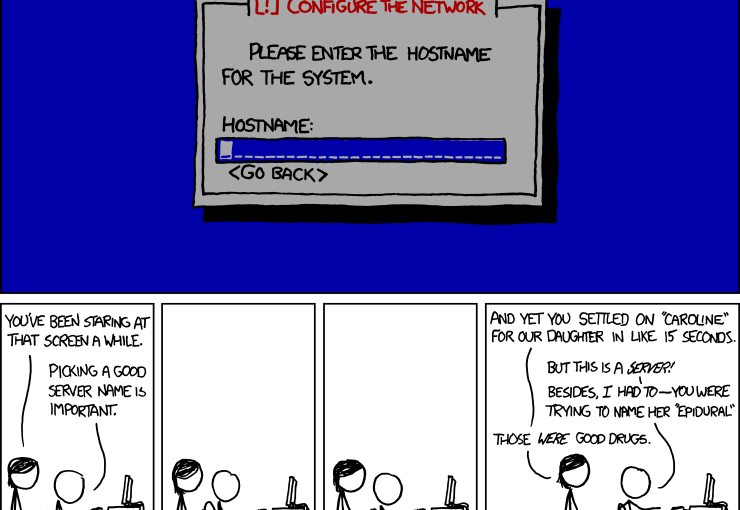
Finding Server Names: Spoiled for Choice. Gods, Stars or Star Wars?
For most people, our brains handle names better than numbers. That’s also why you type Bitpage.de into the address bar to visit my blog instead of the IPv4 address 202.61.247.73 or, even worse, the IPv6 address 2a03:4000:53:42b::1. For hobby and professional server admins alike, it helps to give servers memorable names instead of just numbering them. Personally, I remember server names even better when the name relates to the server’s performance. That’s why I named one of my more powerful servers Hyperion, known in Greek mythology as one of the Titans.
I even name the virtual machines at home according to their performance or purpose. At some point, though, it gets harder to find a fitting name. So I wanted to collect a few server names in this blog post, sorted by theme. Continue reading Finding Server Names: Spoiled for Choice. Gods, Stars or Star Wars?

